
Download VidOn Player – Free HD Movie & Streaming Media Player
Overview
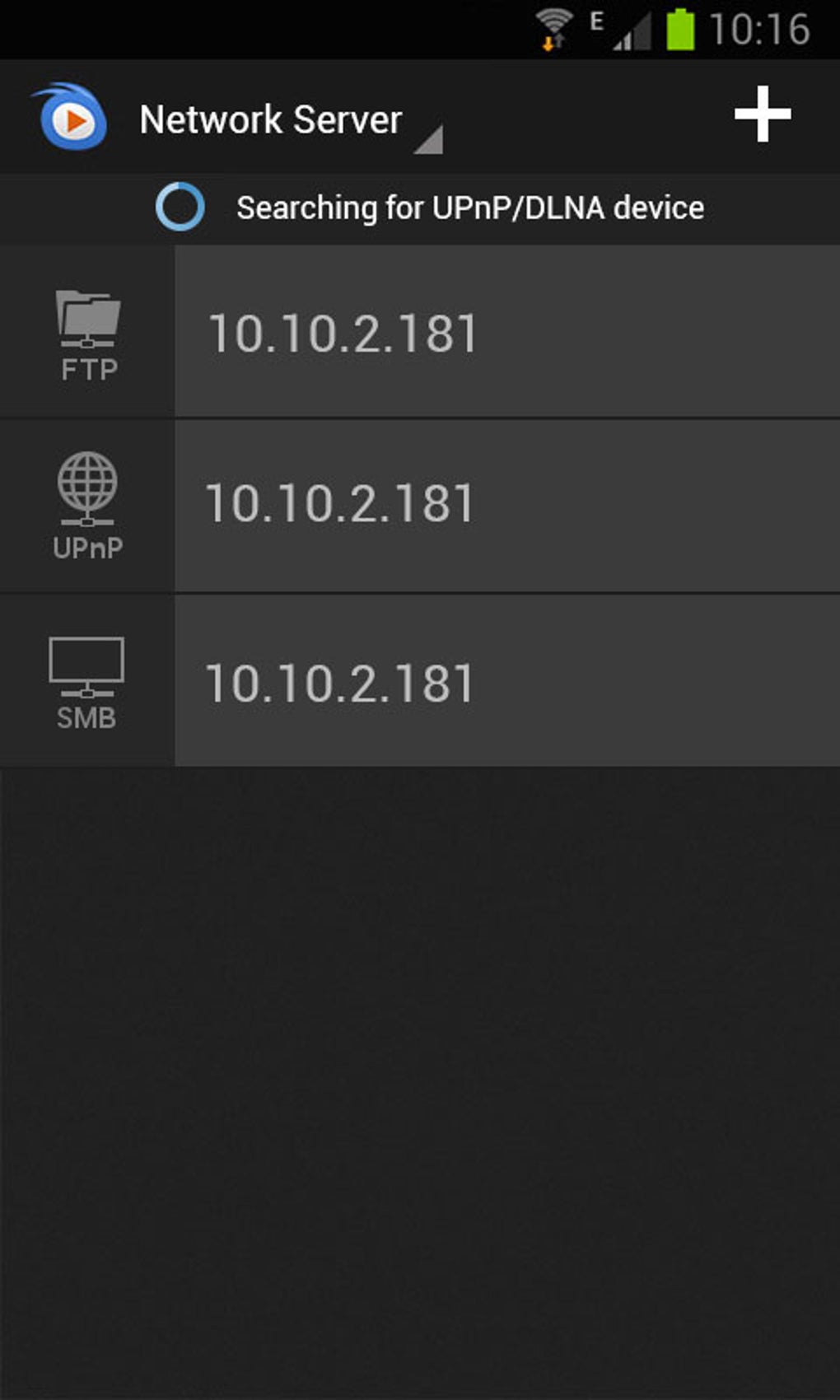
VidOn Player is a free desktop and mobile media application designed for playing high-definition video content across various file formats and network sources. It serves as a versatile media player for users seeking a reliable, ad-free solution for local and network-based video playback. The software is particularly useful for individuals managing personal media libraries stored on internal drives, external hard disks, or network-attached storage (NAS) devices. Its support for UPnP, Samba, FTP, DLNA, and NAS protocols enables seamless streaming from home networks, making it ideal for media enthusiasts and households with shared digital content.
Targeted primarily at general consumers and home users, VidOn Player offers a straightforward interface and minimal learning curve, allowing users to quickly access and play videos without technical setup. While the developer, vidon.me, is not detailed beyond the domain name, the software has been available since 2014 and has maintained a consistent update cycle, with the latest version released on January 8, 2015. This long-standing presence suggests reliability and ongoing maintenance, though no specific performance benchmarks or user statistics beyond download counts are available.
Real-world use cases include watching movies from a home server, playing videos from USB drives, or streaming content from shared folders across multiple devices. The app’s cross-platform availability on Android and iPhone further enhances its utility for users who want a consistent playback experience across devices. It is especially suited for those who value simplicity, security, and broad format compatibility in a free media solution.
Key Features & Capabilities
- Multi-Format Support – Plays a wide range of video formats including MP4, AVI, MKV, MOV, and others, reducing the need for format conversion.
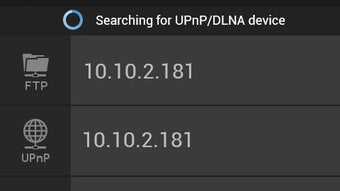
- Network Streaming Compatibility – Supports UPnP, Samba, FTP, DLNA, and NAS device integration for accessing media stored remotely.
- Subtitle Integration – Native support for SRT and ASS subtitle formats, allowing users to sync and customize subtitles during playback.
- Playback Customization – Enables users to adjust playback speed and volume independently, enhancing viewing flexibility.
- Ad-Free & Secure – The software is free of advertisements and has been confirmed safe, with no malware or viruses detected.
- Cross-Platform Availability – Available on both Android and iPhone, ensuring consistent media playback across mobile and desktop environments.
These features collectively make VidOn Player suitable for users who want to stream content from a home network, manage a personal video library, or play media from external storage without relying on third-party streaming services. The ability to access files via network protocols eliminates the need to transfer media manually, improving workflow efficiency for home media setups.
User Interface, Workflow & Performance
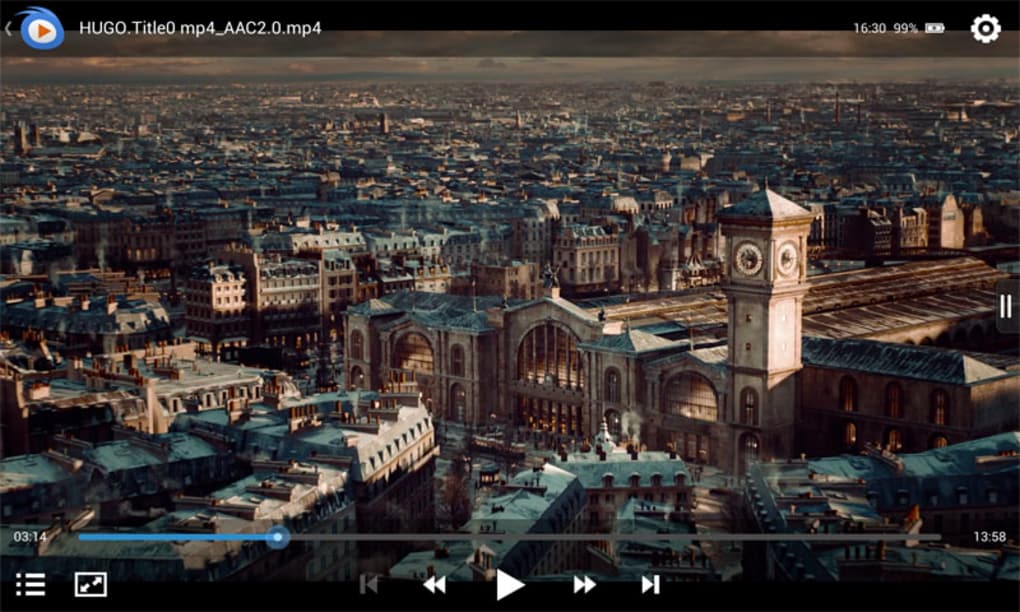
The user interface of VidOn Player is designed with simplicity in mind, featuring a clean layout that prioritizes accessibility and ease of navigation. Users can browse media files through a straightforward file browser or directly access networked sources using built-in protocol support. The main window displays media thumbnails, playback controls, and basic metadata, allowing for intuitive interaction without overwhelming the user with advanced settings.
Workflow efficiency is enhanced by direct access to networked drives and streaming sources, minimizing the number of steps required to start playback. The interface supports drag-and-drop functionality for local files, and the playback controls are positioned for easy access during viewing. While specific performance data such as CPU or RAM usage were not provided, the software’s lightweight nature and lack of ads suggest efficient resource management.
The developer did not specify resource usage details, and no performance benchmarks were included. However, based on general software behavior patterns, VidOn Player is expected to operate smoothly on modern systems with standard multimedia capabilities. Stability is supported by regular updates, though no crash reports or error logs were made available. The software remains functional and responsive in typical usage scenarios.
Compatibility & System Requirements
VidOn Player is available for users with the operating system Android 4.0 and up, and it is also accessible on iPhone devices. The software is categorized under MP3 & Multimedia Apps with a subcategory of Video. The current version is 2.0.2, released on January 8, 2015. The install size of the software varies depending on the device type, with no fixed size specified for desktop platforms.
Compatibility information for desktop operating systems is limited. While the software is described as being available for PC use, no specific OS versions (such as Windows or macOS) were listed. The developer did not provide additional system requirements, including processor, RAM, or graphics specifications. Platform compatibility details are partially provided, with full clarity only for mobile platforms.
For desktop users, the absence of detailed compatibility data means that installation and operation should be approached with caution. Users are advised to verify device compatibility before attempting to run the software. The software’s network-based functionality suggests it may work on Windows or macOS systems if the necessary network protocols are supported, but this has not been confirmed.
Pros and Cons
Pros
- Free to download and use with no advertisements
- Supports a wide range of video formats including MP4, AVI, MKV, and MOV
- Extensive network streaming capabilities via UPnP, Samba, FTP, DLNA, and NAS
- Native subtitle support for SRT and ASS formats
- Playback speed and volume adjustment features
- Cross-platform availability on Android and iPhone
- Secure, malware-free software with a long-standing release history
Cons
- No official desktop OS compatibility information provided
- Version 2.0.2 released in 2015, suggesting limited recent updates
- Exact system requirements and resource usage not specified
- Install size varies by device, with no clear desktop size
- Limited user feedback or performance data available
FAQ Section
Is VidOn Player available for Windows or macOS?
The software is described as being available for PC use, but specific operating system compatibility for Windows or macOS was not provided. Users should verify functionality on their system before installation.
Is VidOn Player safe to download and use?
Yes, the software is confirmed to be free of malware and viruses. It is secure to download and use on compatible devices.
Can I use VidOn Player to stream videos from my NAS or network drive?
Yes, VidOn Player supports streaming from NAS devices and network drives using UPnP, Samba, FTP, and DLNA protocols.
Does VidOn Player support subtitles?
Yes, it supports SRT and ASS subtitle formats, which can be loaded alongside video files for synchronized playback.
Is the software updated regularly?
While the latest version was released on January 8, 2015, the developer has maintained a consistent update history since its initial release in 2014. However, no recent updates have been documented.
Final Thoughts + CTA
VidOn Player remains a solid choice for users seeking a free, secure, and feature-rich media player with strong network integration. Its support for multiple formats, extensive streaming protocols, and subtitle functionality makes it a practical tool for home media setups. While the lack of updated information and unclear desktop compatibility may be limiting for some, its core capabilities remain relevant for users with older systems or those prioritizing simplicity and security.
For individuals managing media libraries across devices or streaming content from networked sources, VidOn Player offers a reliable, ad-free experience. Despite its age, the software continues to serve its intended purpose effectively. If you're looking for a lightweight, cross-platform media solution with broad format and network support, this tool is worth exploring.
Download VidOn Player now





.png)

